
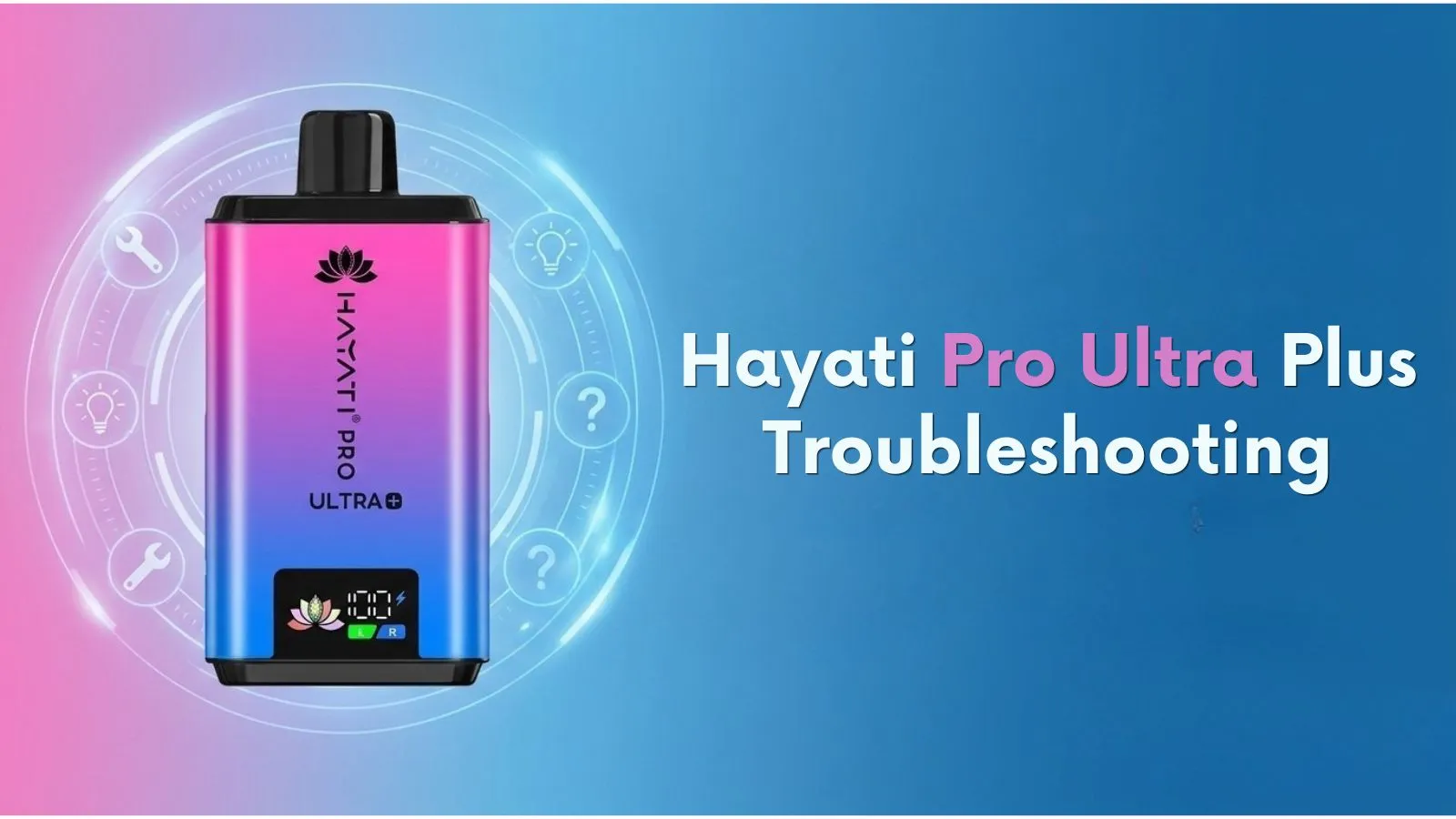
Hayati Pro Ultra Plus Troubleshooting E2 Error Charging and Common Issues
The Hayati Pro Ultra Plus is a dual-flavour vape kit designed for everyday use. Users may occasionally experience issues such as weak vapour, charging problems, a burnt taste, or one flavour not working.
This guide covers common Hayati Pro Ultra Plus problems and provides practical troubleshooting advice to help identify possible causes and determine the next steps.
How to Fix the Hayati Pro Ultra Plus E2 Error
There is no confirmed official explanation for the E2 error code on the Hayati Pro Ultra Plus, so its exact cause cannot be determined from the code alone. Start by checking the refill assembly and accessible connections.
Check the Refill Assembly
Ensure the refill assembly is fitted correctly according to the manufacturer's instructions. Incorrect positioning may affect the device's operation. Remove and refit the component only as directed, without forcing any part into place.
Inspect the Connections
Residue, condensation, or dirt around accessible contacts may affect performance. If permitted by the manufacturer, wipe these areas with a clean, dry, lint-free cloth. Make sure everything is completely dry before reassembling the device.
Check for Visible Damage
Look for visible cracks, tears, or leaks around the refill assembly. If the E2 error continues after these checks, contact your retailer for advice. Do not dismantle the device or attempt internal repairs.
Why Is My Hayati Pro Ultra Plus Not Charging
Charging problems may result from a damaged USB-C cable, an incompatible power source, debris in the charging port, or an internal battery fault.
- Check the cable: Use a suitable, undamaged USB-C cable.
- Check the power source: Try a compatible USB power source and follow the manufacturer's charging instructions.
- Inspect the charging port: Look for visible debris without inserting metal objects or liquids.
- Check for damage: Stop using the device if the battery or device body appears damaged.
If the device still will not charge, contact your retailer or manufacturer. Never open the device or attempt to repair its internal battery.
Why Is One Side of the Hayati Pro Ultra Plus Not Working
The dual-flavour design allows users to select between two flavour options. If one side stops working, the cause could be incorrect positioning, an empty refill, or a faulty refill assembly.
- Check that the mouthpiece is positioned correctly for the selected flavour.
- Check the display or side indicator, if available, to confirm the correct flavour is selected.
- Inspect the refill container to see whether it still contains e-liquid.
- If the refill is empty or damaged, replace it with a compatible product according to the manufacturer's instructions.
If the affected side still does not work with a correctly fitted, compatible replacement, contact your retailer for assistance.
Hayati Pro Ultra Plus Not Producing Vapour
If the device activates but produces little or no vapour, several factors could be responsible.
- Low battery: Check the battery indicator and charge the device according to the manufacturer's instructions.
- Empty refill: Check whether the selected flavour has run out of e-liquid.
- Incorrect assembly: Ensure the refill assembly is positioned correctly.
- Blocked airflow: Inspect accessible airflow openings and clean them only as directed by the manufacturer.
If the problem continues, the device may require professional assessment. Do not dismantle it or attempt to repair internal components.
How to Fix a Burnt Taste on Hayati Pro Ultra Plus
A burnt taste may indicate an empty refill, a damaged coil, or a faulty refill assembly.
- Check the e-liquid level in the selected refill container.
- If the refill is empty or damaged, replace it with a compatible product following the manufacturer's instructions.
- Stop using the device if the burnt or unpleasant taste continues.
If replacing the compatible refill does not resolve the issue, discontinue use and contact your retailer.
Hayati Pro Ultra Plus Leaking or Gurgling
E-liquid leaks or gurgling sounds may indicate a damaged refill assembly or liquid entering the airflow path.
- Inspect the refill containers for visible cracks or damage.
- Clean accessible areas only as directed by the manufacturer.
- Follow the recommended storage and usage instructions, avoiding extreme temperatures.
- Do not charge the device if e-liquid has entered its body or charging port.
If leaking or gurgling continues, stop using the device and contact your retailer for advice. Do not attempt to dismantle or repair it.
Hayati Pro Ultra Plus Battery Draining Quickly
If the battery runs out quickly, possible causes include incomplete charging, frequent use, battery ageing, or an internal fault.
- Use a compatible charging cable and follow the manufacturer's charging instructions.
- Check whether the device completes its charging cycle as expected.
- If battery performance remains unusually poor or the device becomes excessively hot, stop using it and contact your retailer.
Do not attempt to replace or repair the internal lithium battery yourself.
Final Thoughts
When troubleshooting the Hayati Pro Ultra Plus, start by checking the refill assembly, battery level, charging cable, and accessible components. These basic checks may help identify common issues without unnecessary replacements.
If the E2 error or another fault persists, contact your retailer or manufacturer for assistance. For compatible replacement refills and other vaping products, visit Smoknic UK and check product compatibility before ordering. Always follow the manufacturer's instructions and applicable UK regulations.
